DocsGet started
Getting started with Qwanter
Qwanter is a desktop app for macOS and Windows. In a few minutes you go from an idea to a working preview: you describe it, Qwanter plans it with you and builds it.
Install Qwanter
- Download the app from the download page: there's a version for macOS and for Windows.
- Open it and create your account with Google or with your email.
- Answer a few short questions so Qwanter knows what you want to build. You can skip them.
Your account starts on the free Mars plan: 500 welcome credits and 500 more every month. You don't need a card or keys for any AI service.
Voice dictation runs on your computer with Whisper and comes with the app: there's nothing else to download.
Your first conversation
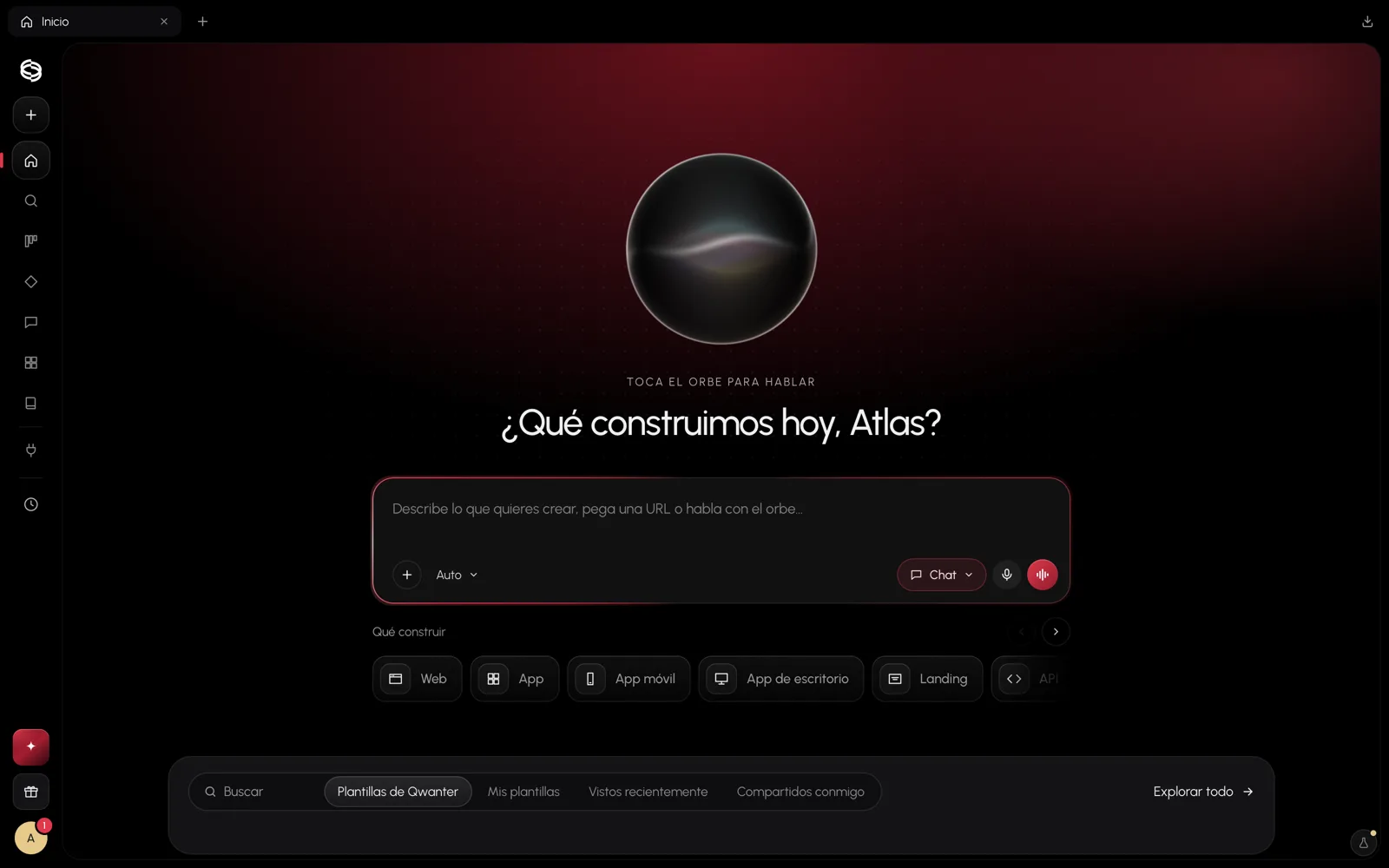
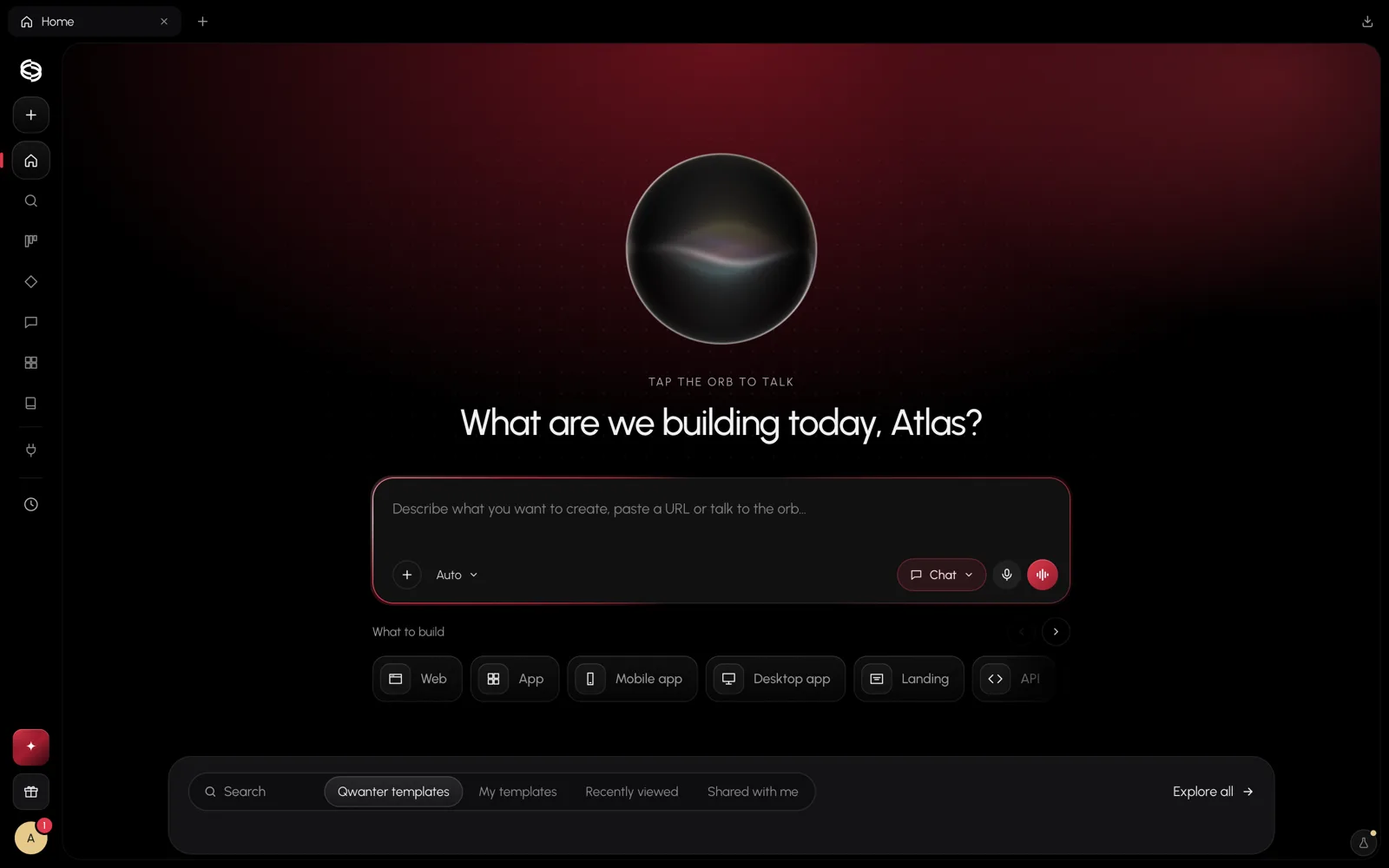
On Home, type what you want or tap the orb and say it out loud. You can paste the link to a website you like, attach files or pick below what to build: a website, an app, a mobile app, a desktop app, a landing page or an API.
Qwanter answers in the chat. If something important is missing, it asks you with options so you only have to pick one; otherwise it goes straight to a plan.
You don't need to write technical instructions. "I want a website for my café with the menu and bookings" is enough to start.
Your first project
When the plan suits you, press Hand to Build. Qwanter creates the project, Build writes the code in an isolated environment in the cloud, checks it and opens the preview beside you so you can watch the website grow.
If you'd rather keep the project on your computer, use Add folder in the box's + button: Qwanter works in that folder and doesn't use cloud storage.
You can also start from a template in the Library, such as a Telegram bot or an automations service.