DocsSecurity and privacy
Security and privacy
Qwanter writes and runs code for you, so it works with a seatbelt: you decide what it can do, nobody sees your keys and you know what leaves your computer.
Permissions
Every project has its own permission level, which you choose in Build's box:
| Level | What it does |
|---|---|
| Read only | It can look and propose, but changes nothing. |
| Ask | It asks your permission before anything sensitive. |
| Automatic | It works on its own, except for what always needs confirmation. |
Publishing, deleting or touching your repository always ask for a clear confirmation, whatever the level.
Keys and secrets
- Keys are stored encrypted on the server. They never appear in the chat, the preview, the logs or the code.
- If you paste a key into a message, Qwanter doesn't send it and asks you to save it in a secret card.
- Code runs in an isolated environment per task, with the network closed: only package registries and official documentation; anything else needs your approval.
- What comes from outside (websites, files, emails) is data, not orders: it never gives Qwanter instructions.
What's sent and to whom
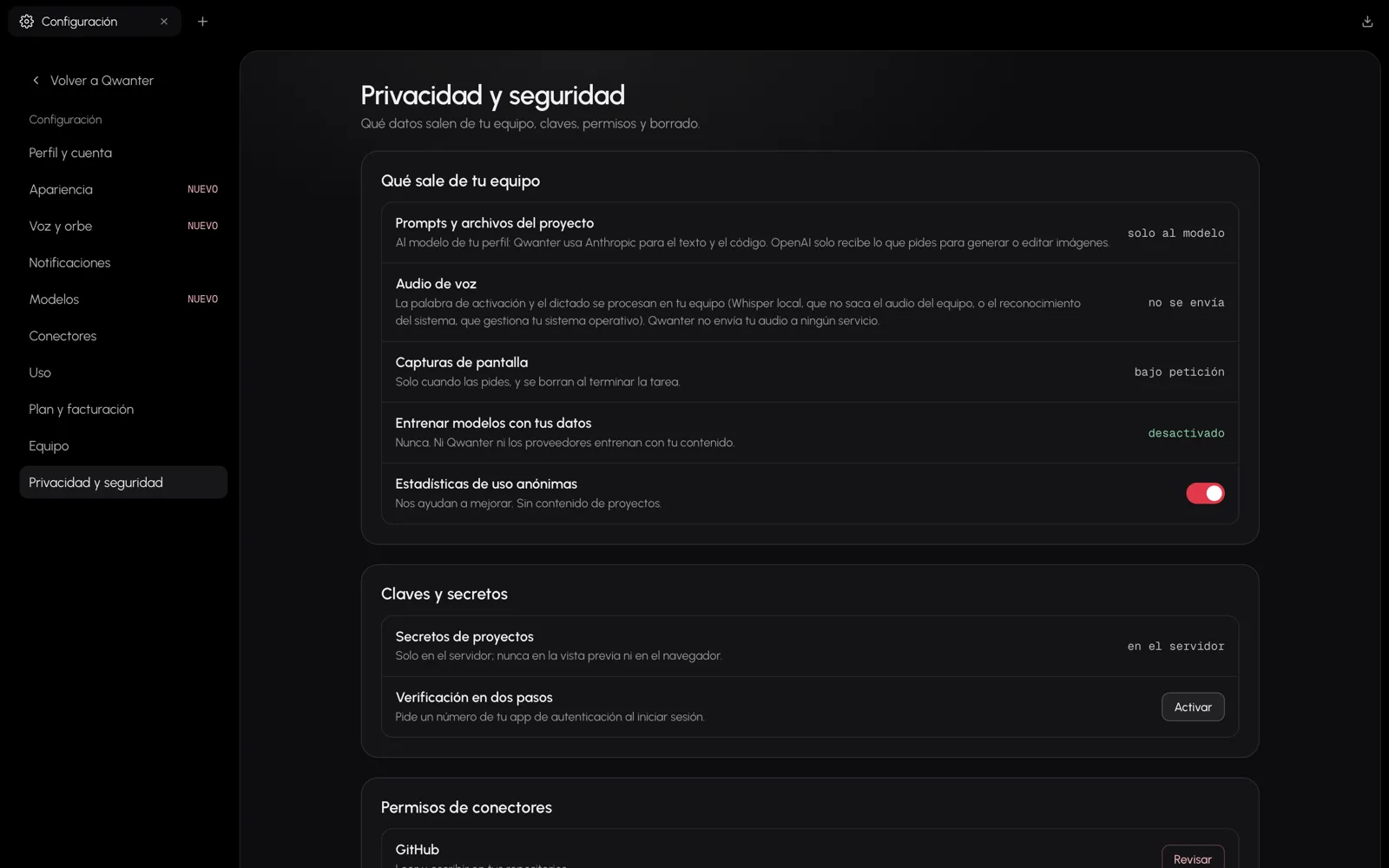
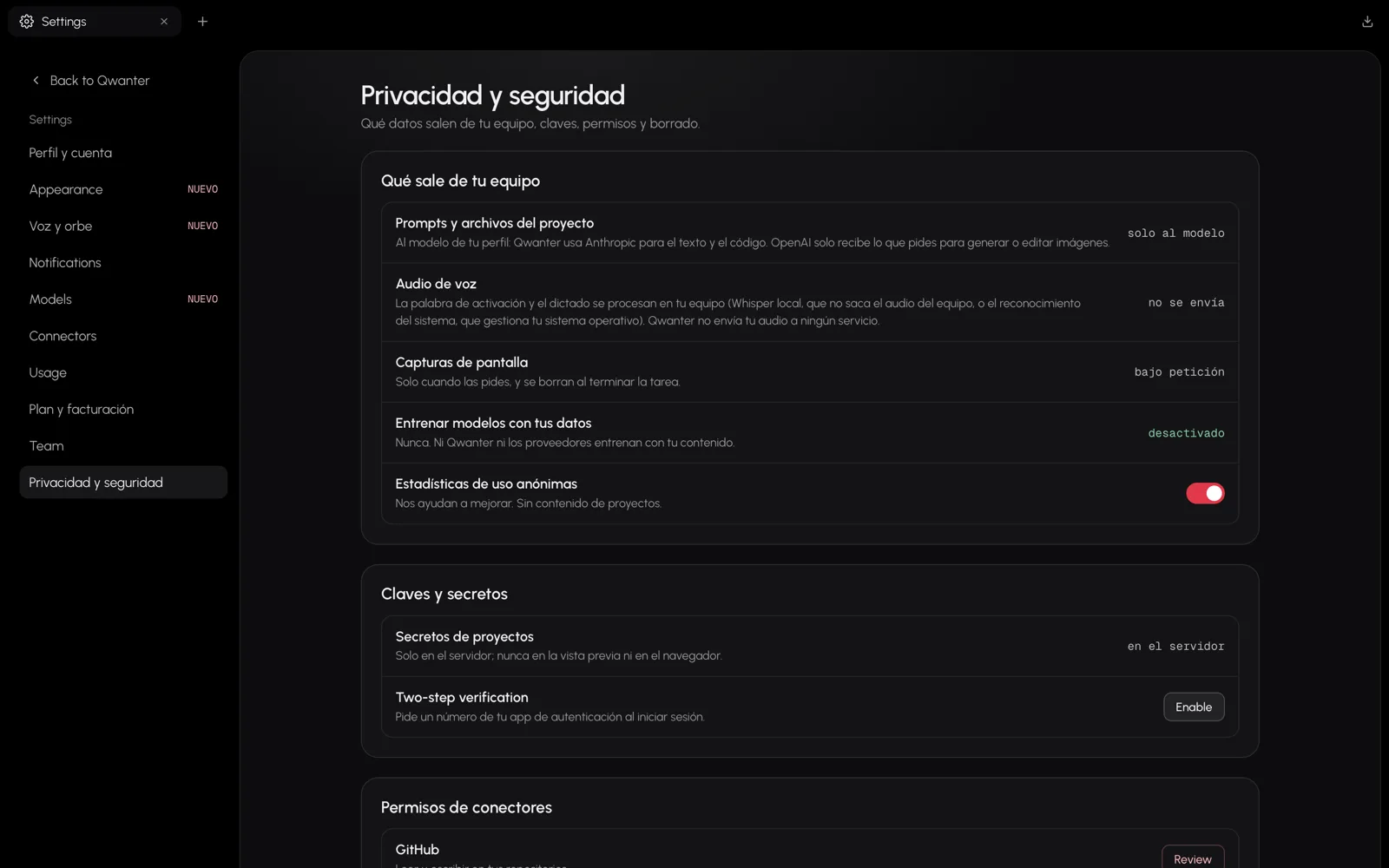
- Your messages and project files only go to the model that's working: Anthropic for text and code; OpenAI only for the images you ask for.
- Your voice isn't sent: dictation and the wake word are processed on your computer.
- Nobody trains models on your data, neither Qwanter nor the providers.
The details are in the privacy policy. In Settings › Privacy and security you can also turn on two-step verification.
Was this page helpful?