DocsManager
Manager: all your projects
The Manager is where all your projects live. At a glance you see where each one stands, what it needs from you and where your credits go.
All your projects
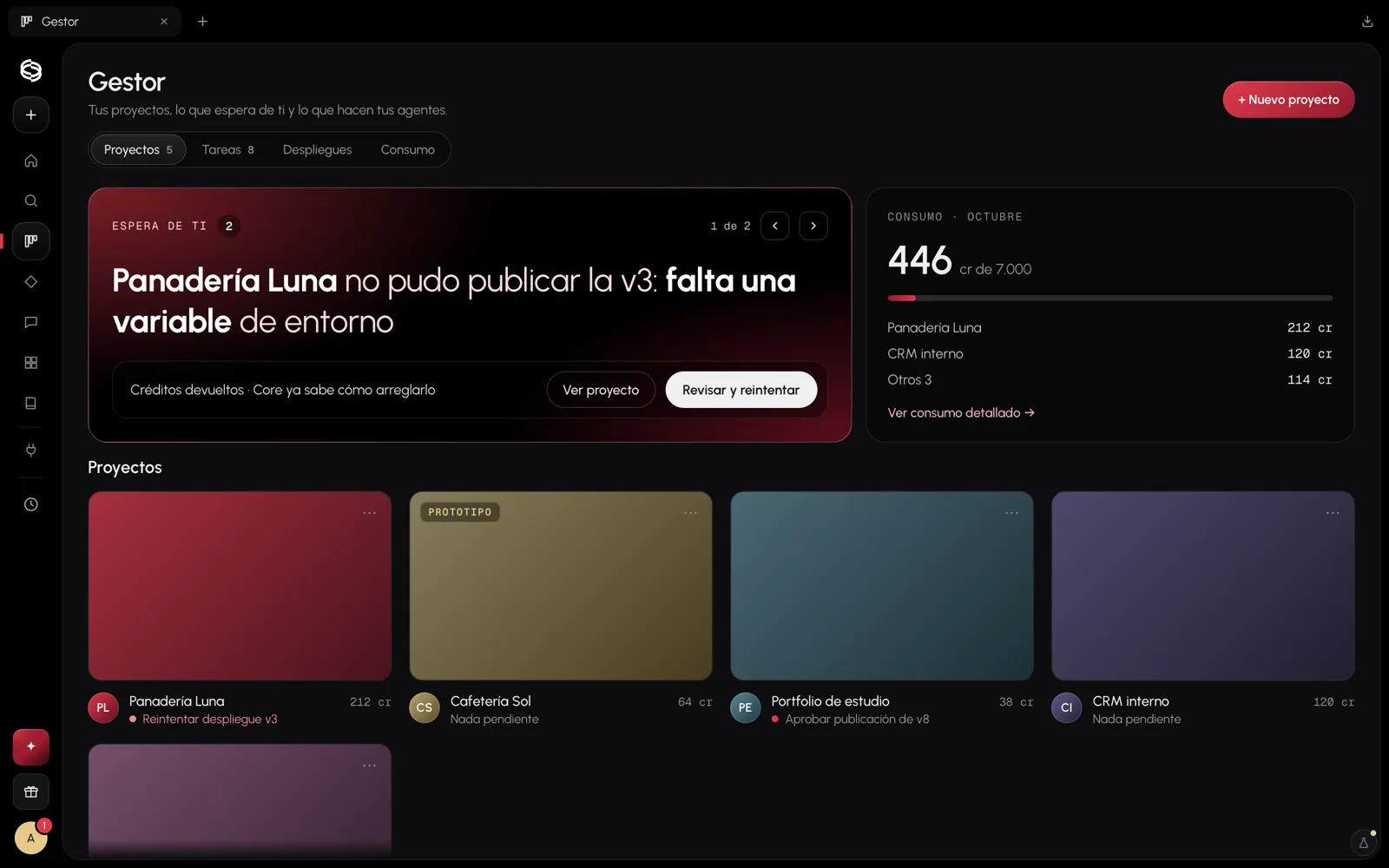
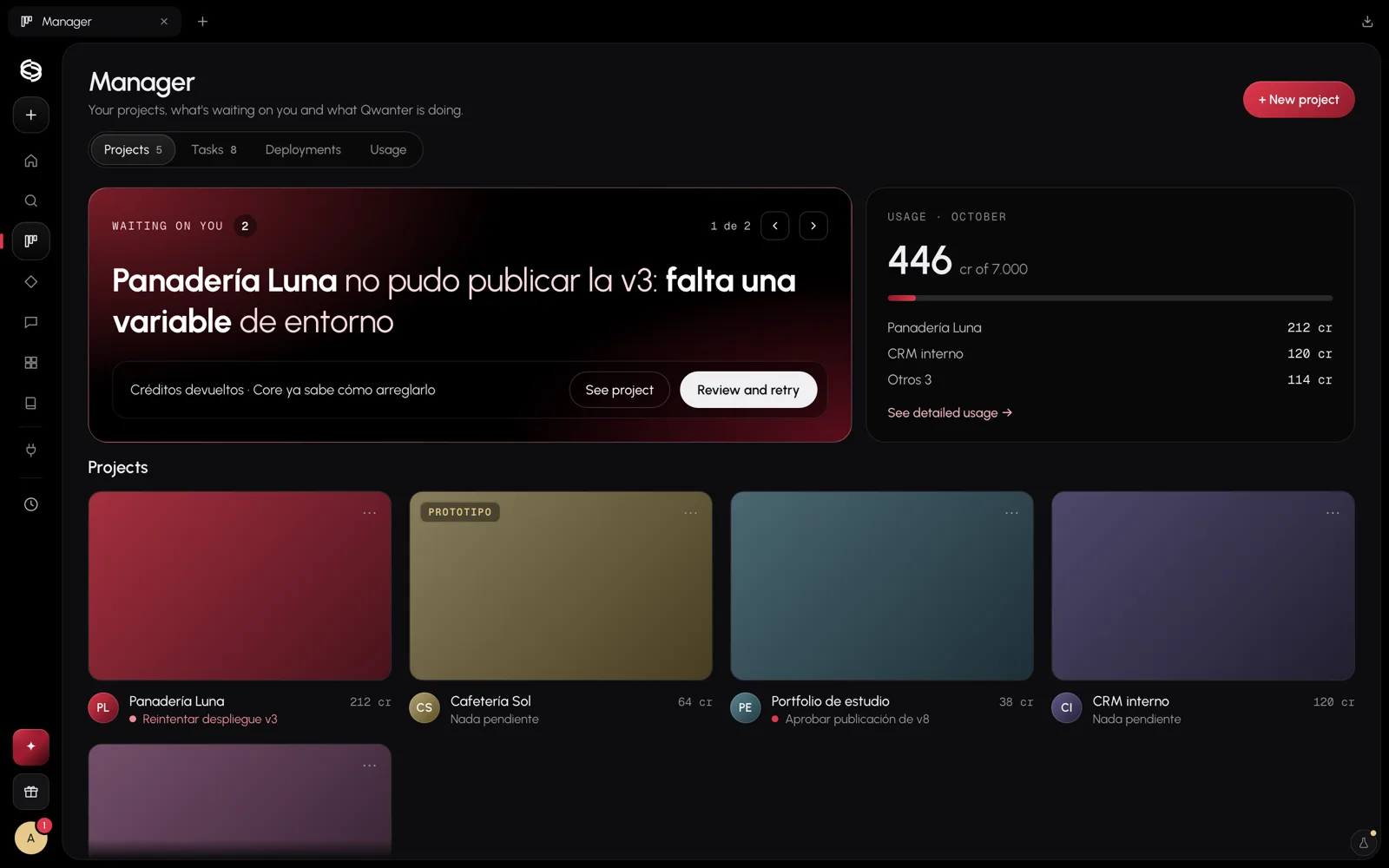
- Waiting on you: anything that needs a decision from you, such as approving a publish or retrying a task that failed. Move between them with the arrows.
- Usage: this month's credits and which projects they went to.
- Projects: each with its screenshot and what's pending. Open one to go to its Project space.
Milestones and tasks
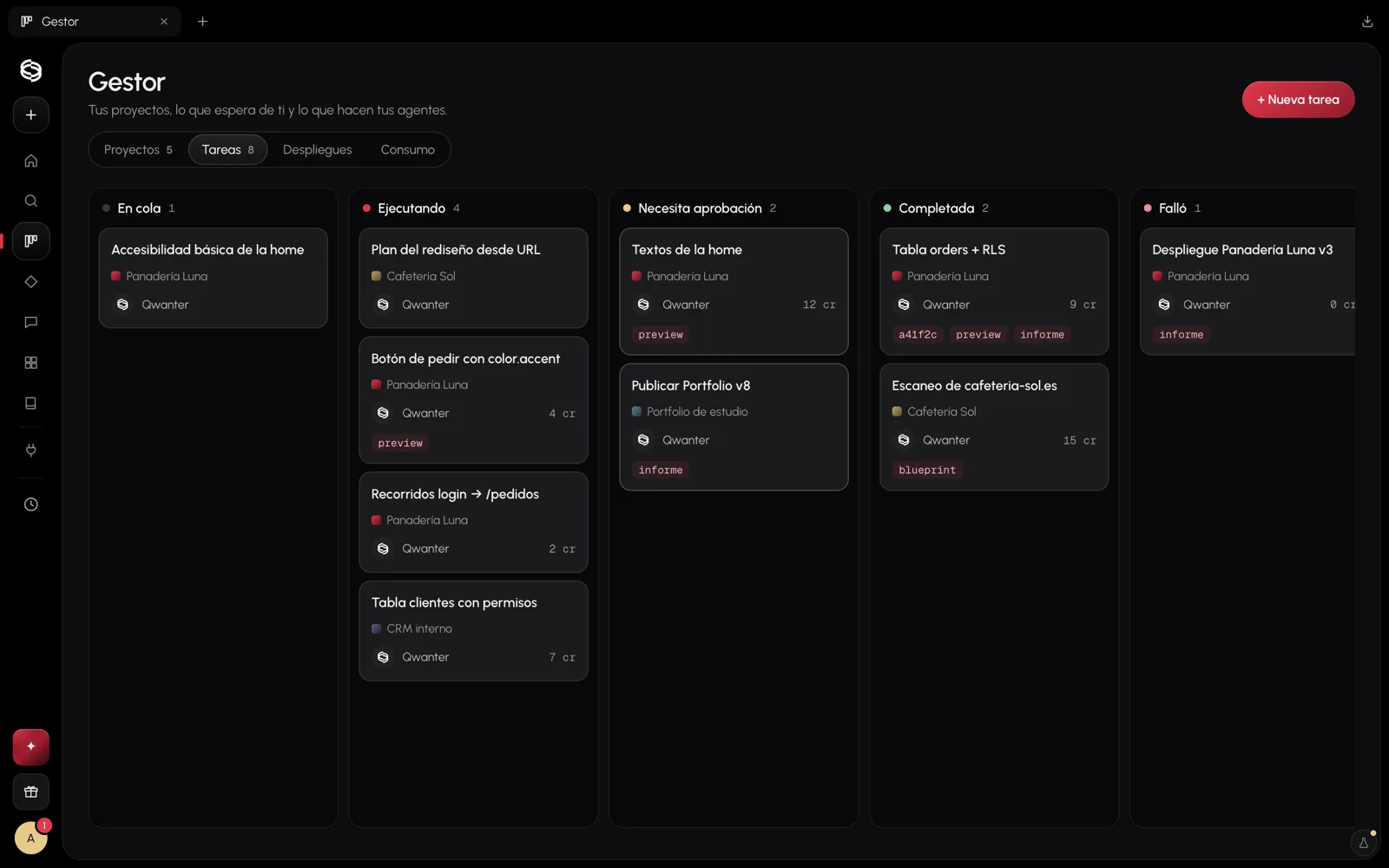
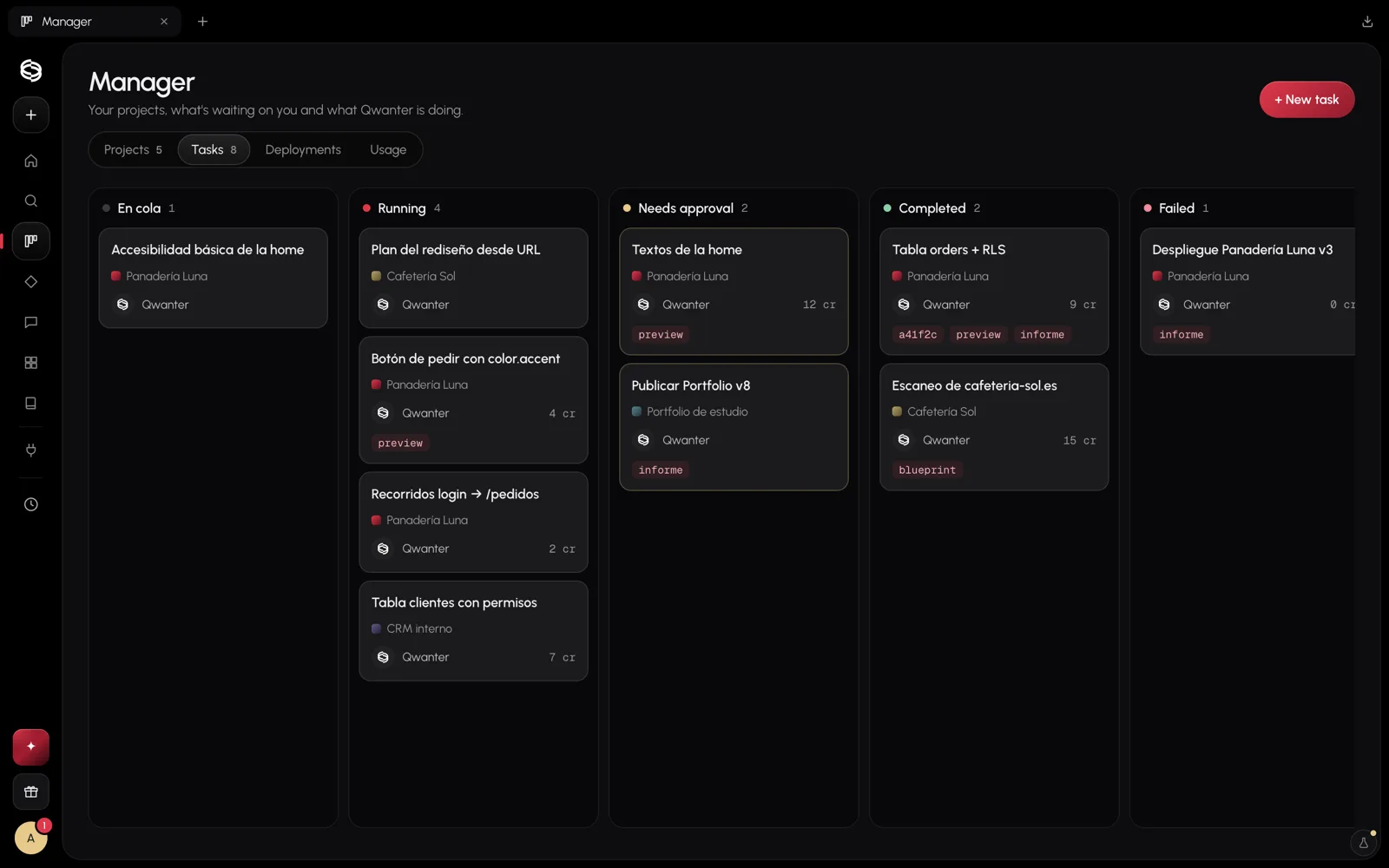
Every request to Build is a task. On the board you see them in five columns: Queued, Running, Needs approval, Completed and Failed. Opening one shows its evidence: the preview, the verification report and the changes.
Projects are organised into milestones, such as "First version". You can add tasks by hand or ask Qwanter to suggest them.
Deployments
In Deployments you find every publish of every project: when, at which address and with what result. How to publish is in Publishing.
The qwanter/ folder and memory
What Qwanter knows about your project lives in a qwanter/ folder inside the project itself: the brief, the brand, the tokens, the plan, the decisions and the reports. It travels with your code, so it's yours and anyone who opens the project can read it.
That's why you don't have to explain your project again: on every task Qwanter reads what you've already approved.