DocsCore
Core: Qwanter's chat
Core is the chat you talk to in Qwanter. It clarifies what you want, plans, decides when to design or build, and stays with you through the whole project.
The chat
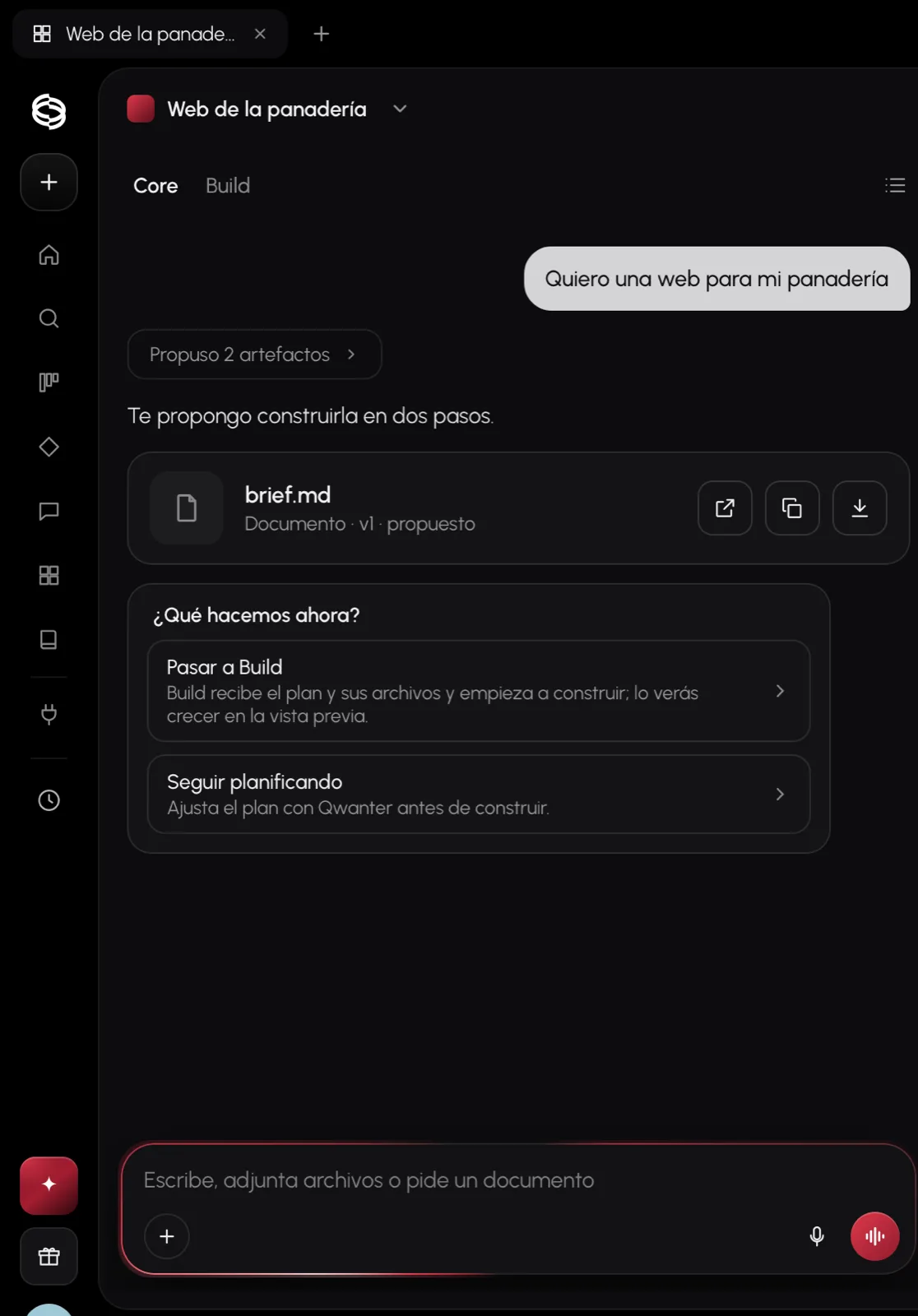
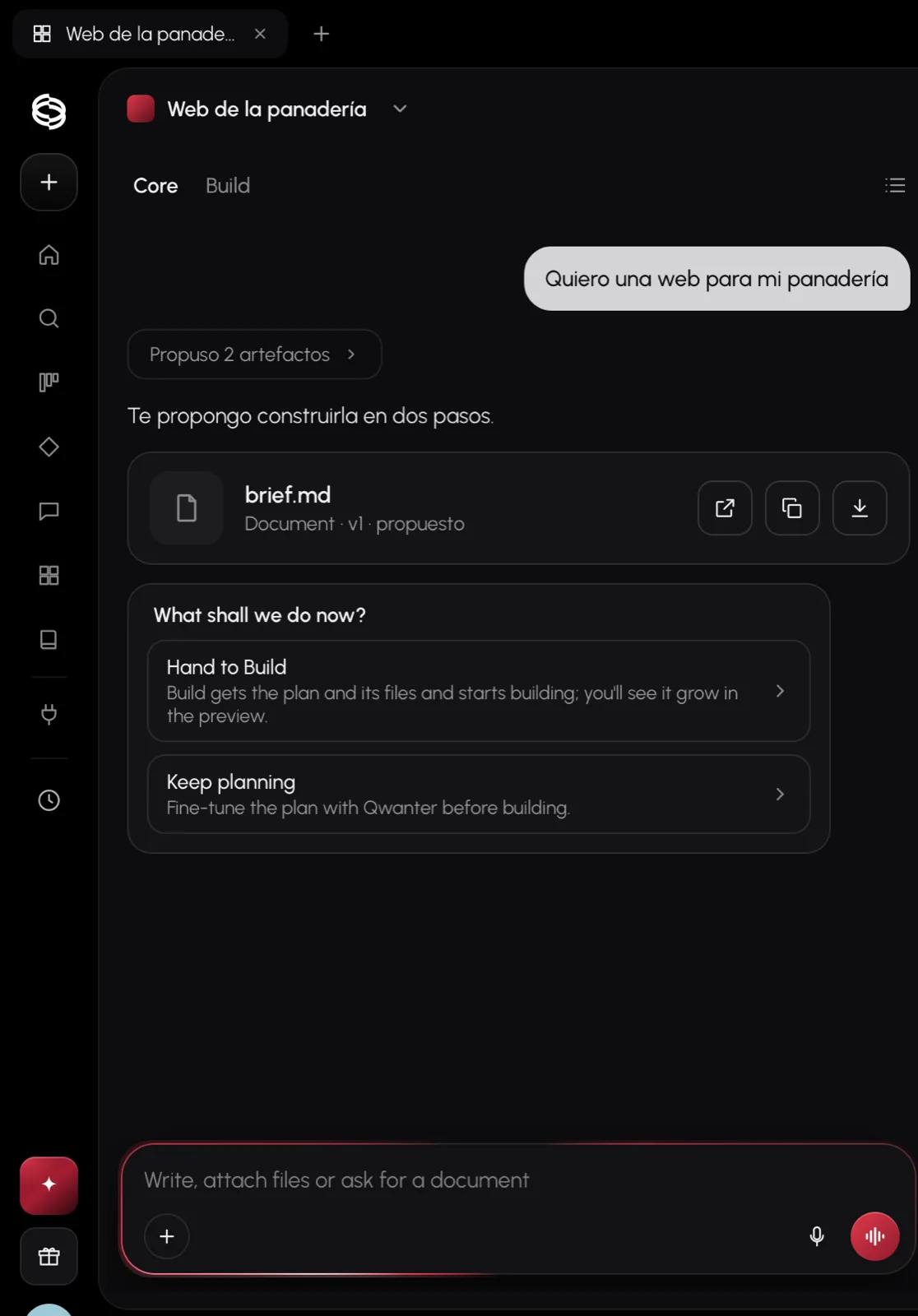
You can use Core without a project, like a regular chat, or inside a project. In a project it remembers what you've already decided: the brief, the brand, the designs and the documents you approved.
- Documents: Core writes the brief, the plan or a report as documents you can open, copy, download or attach to another message.
- Hand to Build: when the plan is ready, the What shall we do now? card lets you hand it to Build or keep planning.
- Threads: in a project you can open several conversations with Core, each on its own topic, without losing the project's context.
- Alongside Build: you can write to Core while Build is building; each works on its own.
Charts and visuals (Intelligence UI)
When an answer has data, Core doesn't give you paragraphs: it shows you a table you can sort, a bar or line chart, a diagram you can explore or a card with the key points. Every chart has View data so you can see the numbers behind it.
If you prefer plainer answers, in Settings › Appearance you can ask for fewer visuals or none.
Depth: Auto, Instant, Medium, High and Maximum
Depth is how much Core thinks before answering. On Auto, the default, Core decides for each message. If you like, you can set it in the chat box:
| Depth | What for |
|---|---|
| Instant | Short, fast answers. |
| Medium | Most questions and plans. |
| High | Hard problems: it reasons more and uses more credits. |
| Maximum | Qwanter at full power, for the hardest work: big products, architecture, in-depth analysis. It uses a lot more credits. Antares only. |
Instant, Medium and High are on every plan. Maximum is for Antares: on the other plans it shows a lock.
Voice, dictation and the orb
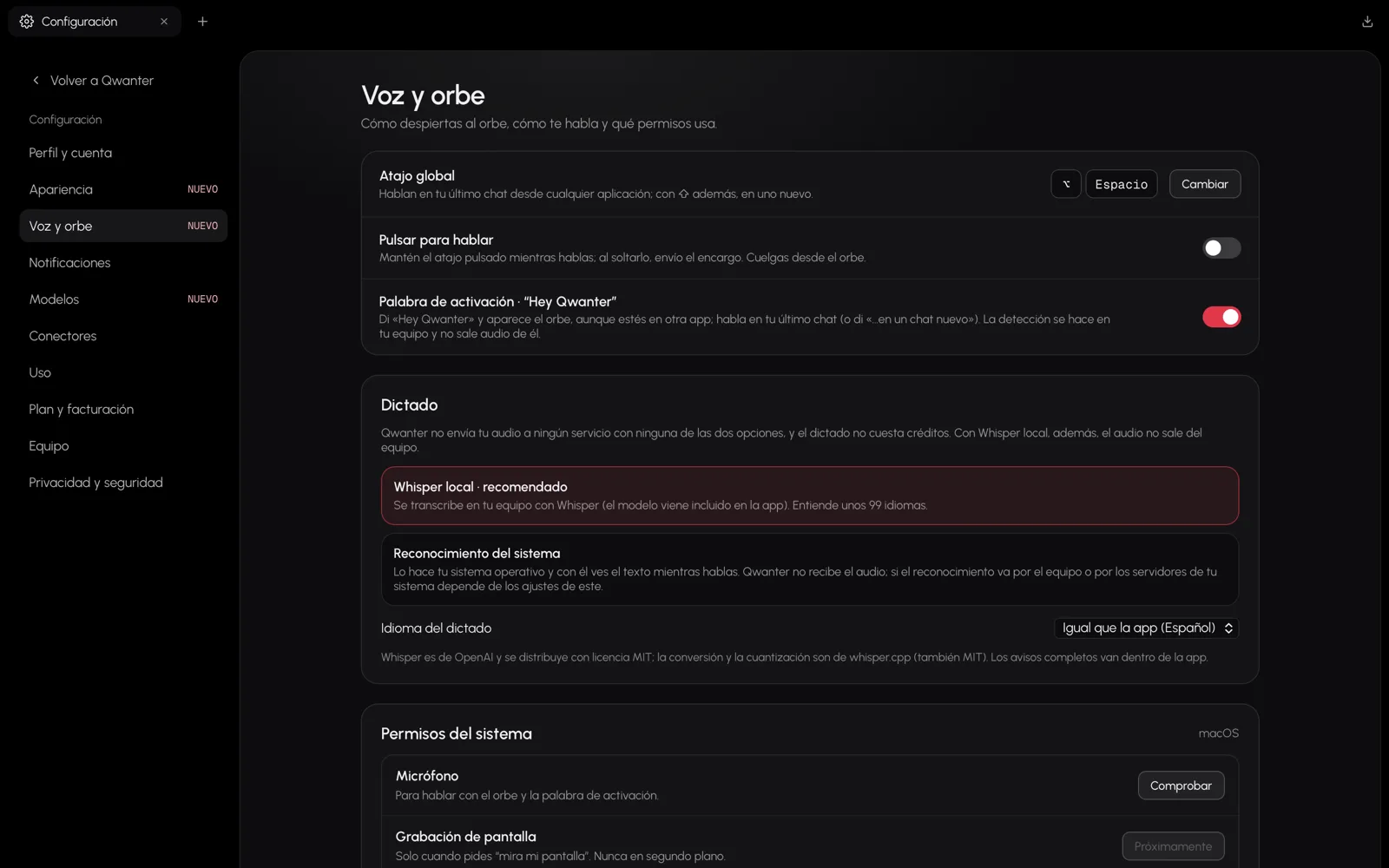
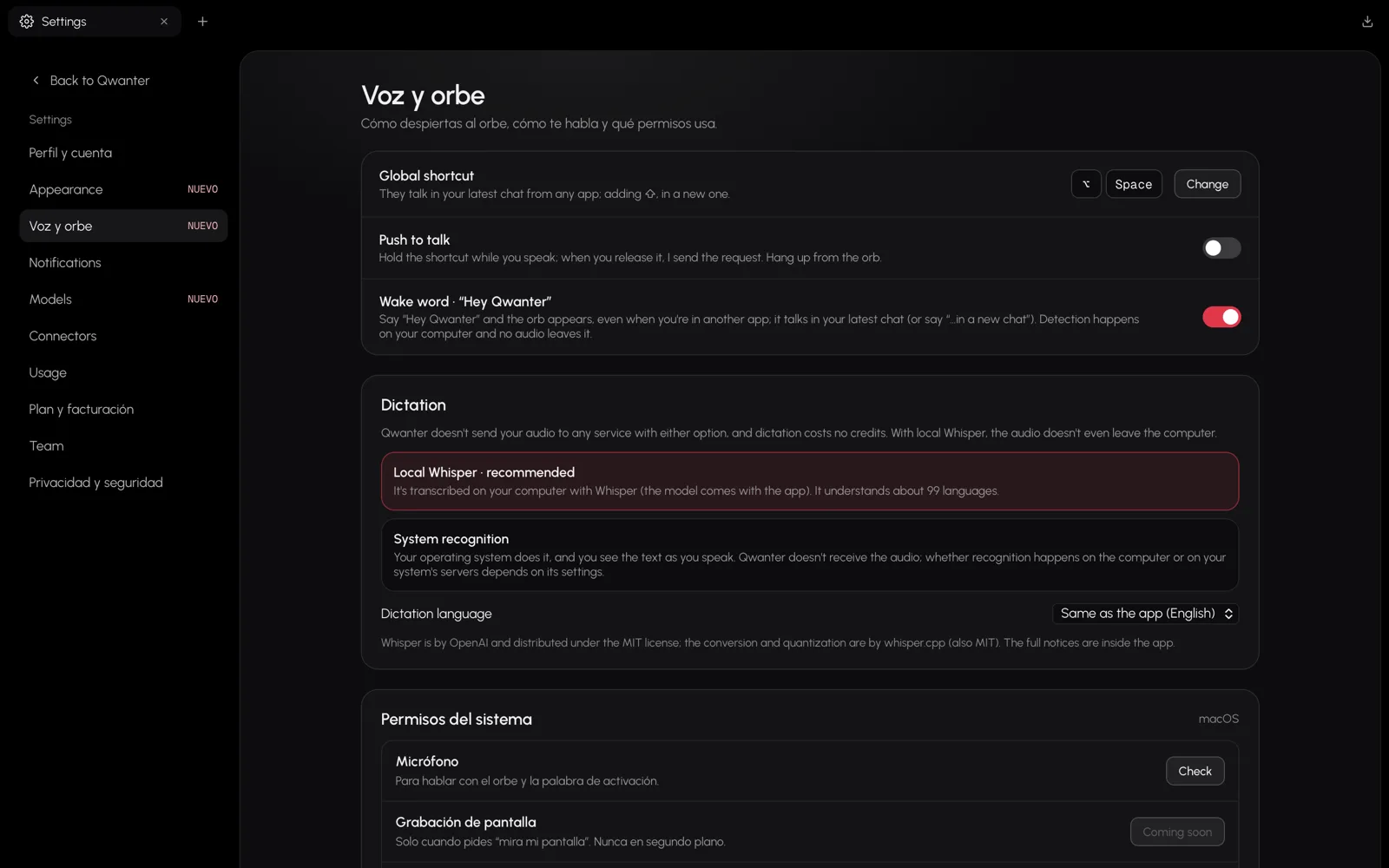
- Dictate: press the microphone in the box and speak; the text appears as you talk. With local Whisper the audio never leaves your computer and dictating costs no credits.
- The orb: press ⌥ Space from any app to talk to Qwanter in your last chat, or ⌥ ⇧ Space to start a new one. The orb floats above everything while you work.
- "Hey Qwanter": if you turn it on, saying the phrase opens the orb even when you're in another app. Listening happens on your computer.
- Push to talk: if you prefer, hold the shortcut while you speak and it's sent when you let go.
Connectors
With your permission, Core can read your Gmail and Google Calendar, search the web or look at a page to answer you. You connect them in Connectors, in the sidebar, and you can disconnect them any time.
GitHub, Vercel and Supabase connect the same way and are used for publishing and for your apps' backend.